


BowLift | USB3.0 Fingerprint Encryption USB Flash Disk with APP Management System, for Business / Personal Data Security
-
Almost sold out
 Free Shipping

A USB drive that safeguards your data.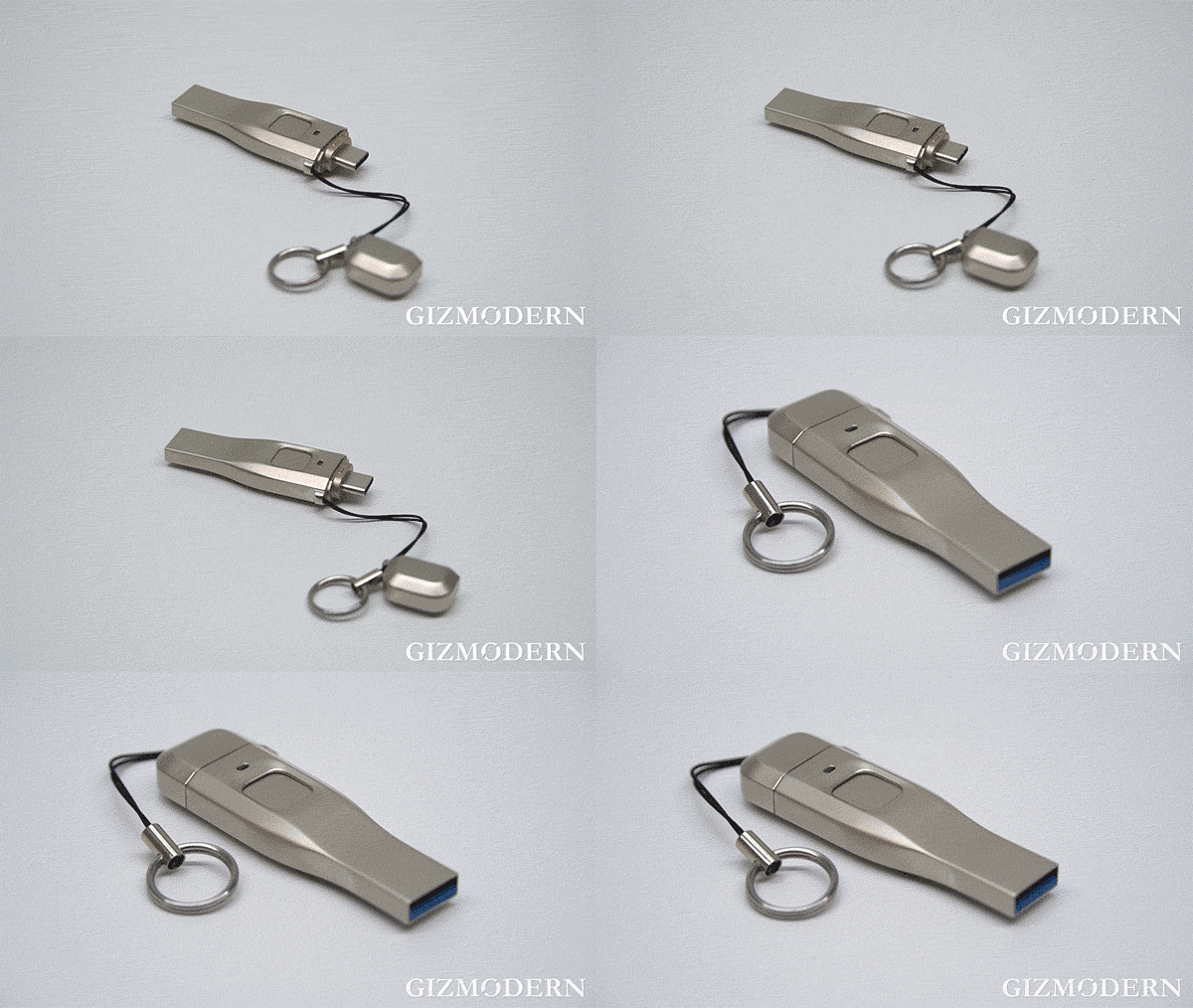 This USB Flash Disk is designed for use with smartphones and computers, incorporating the encryption standards set by the U.S. federal government.
 The USB Flash Disk features biometric technology, supporting the storage of up to 6 different fingerprints.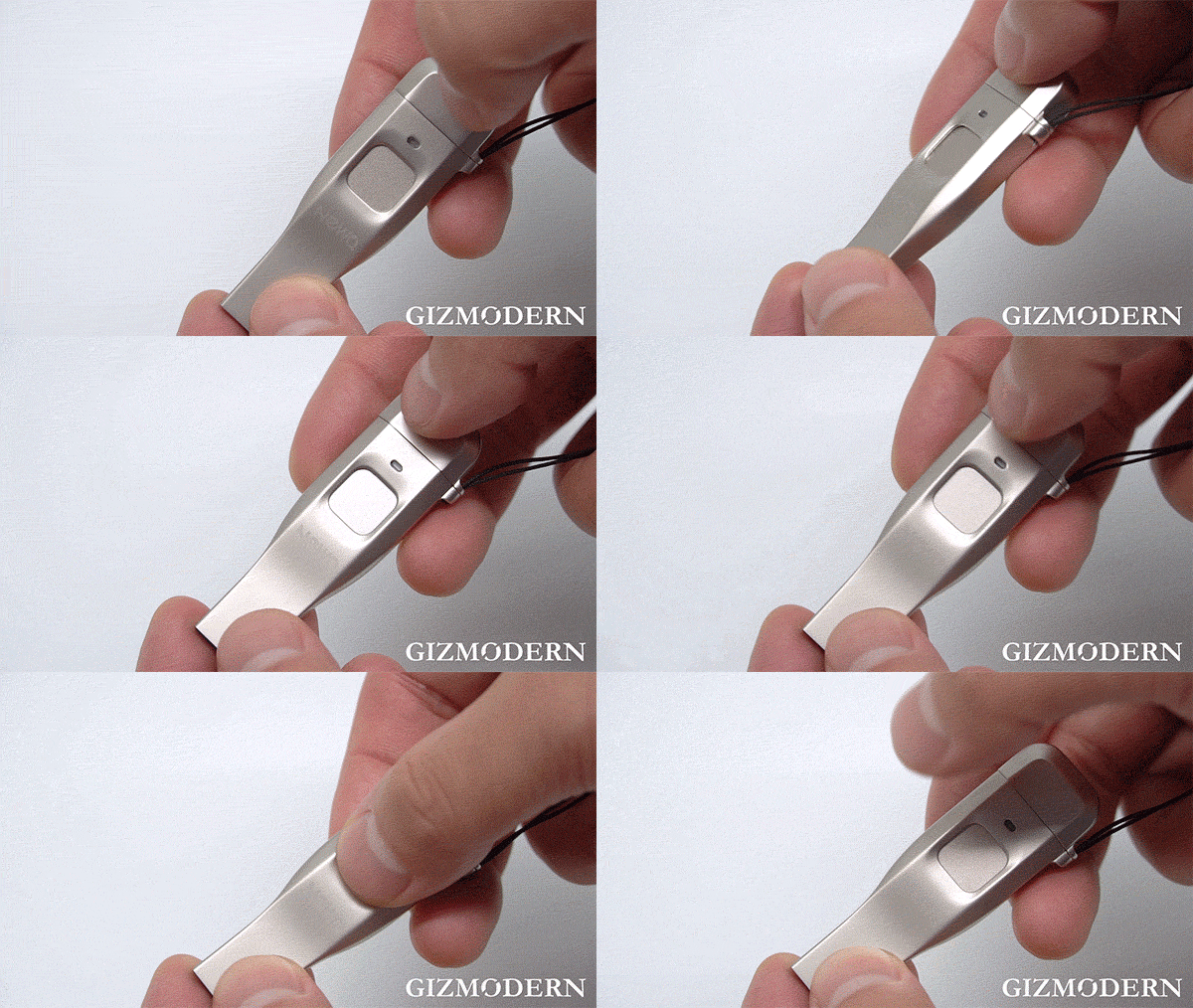
 This USB Flash Disk’s memory can be partitioned into two zones: one public and one private.
 Unlike typical encrypted USB drives, this one requires your mobile phone to unlock the secured area for enhanced protection. Note: It is only compatible with Android devices.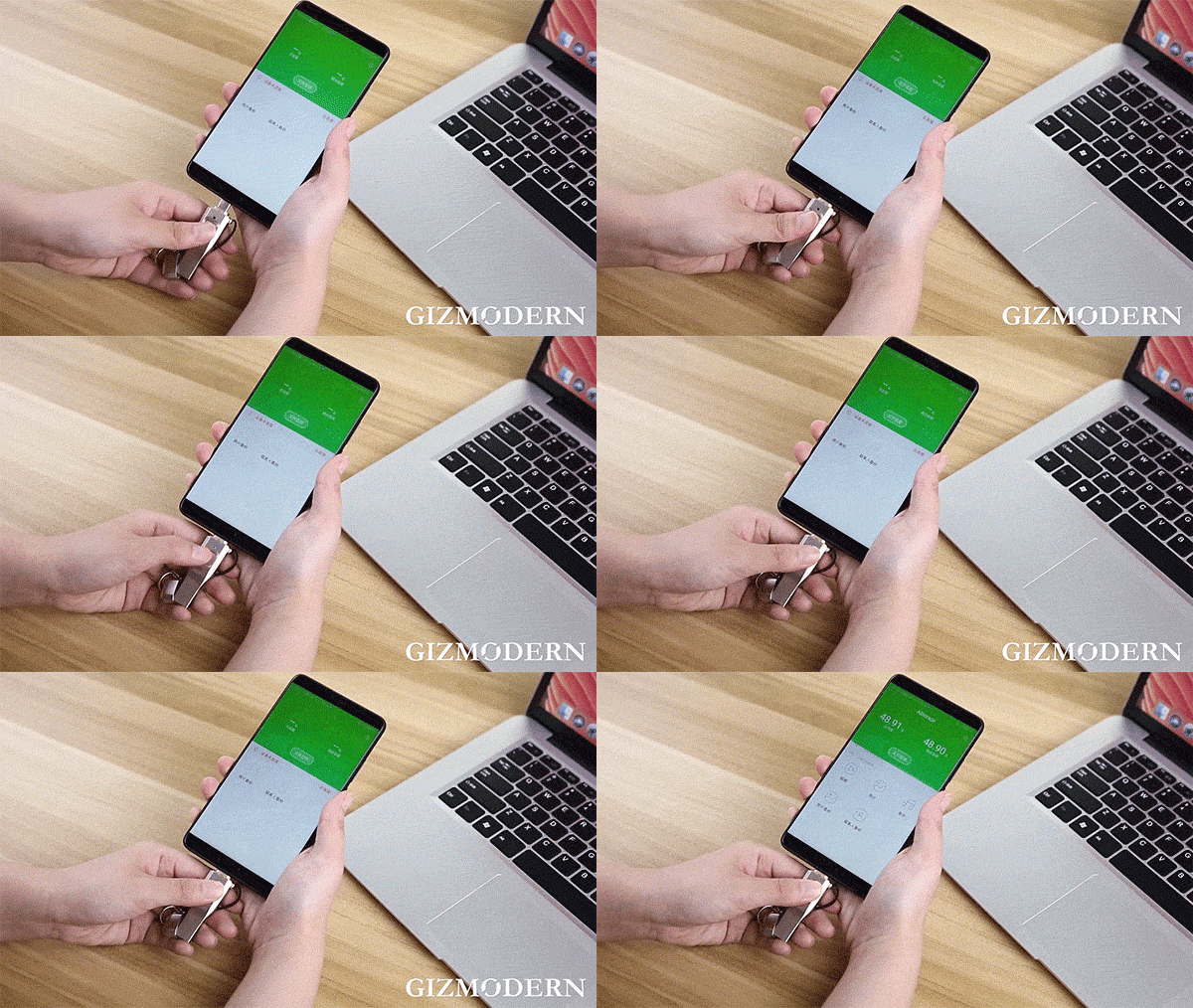
 Featuring a USB 3.0 high-speed connection, it can transfer movies in just 30 seconds, providing 200% greater speed compared to USB 2.0.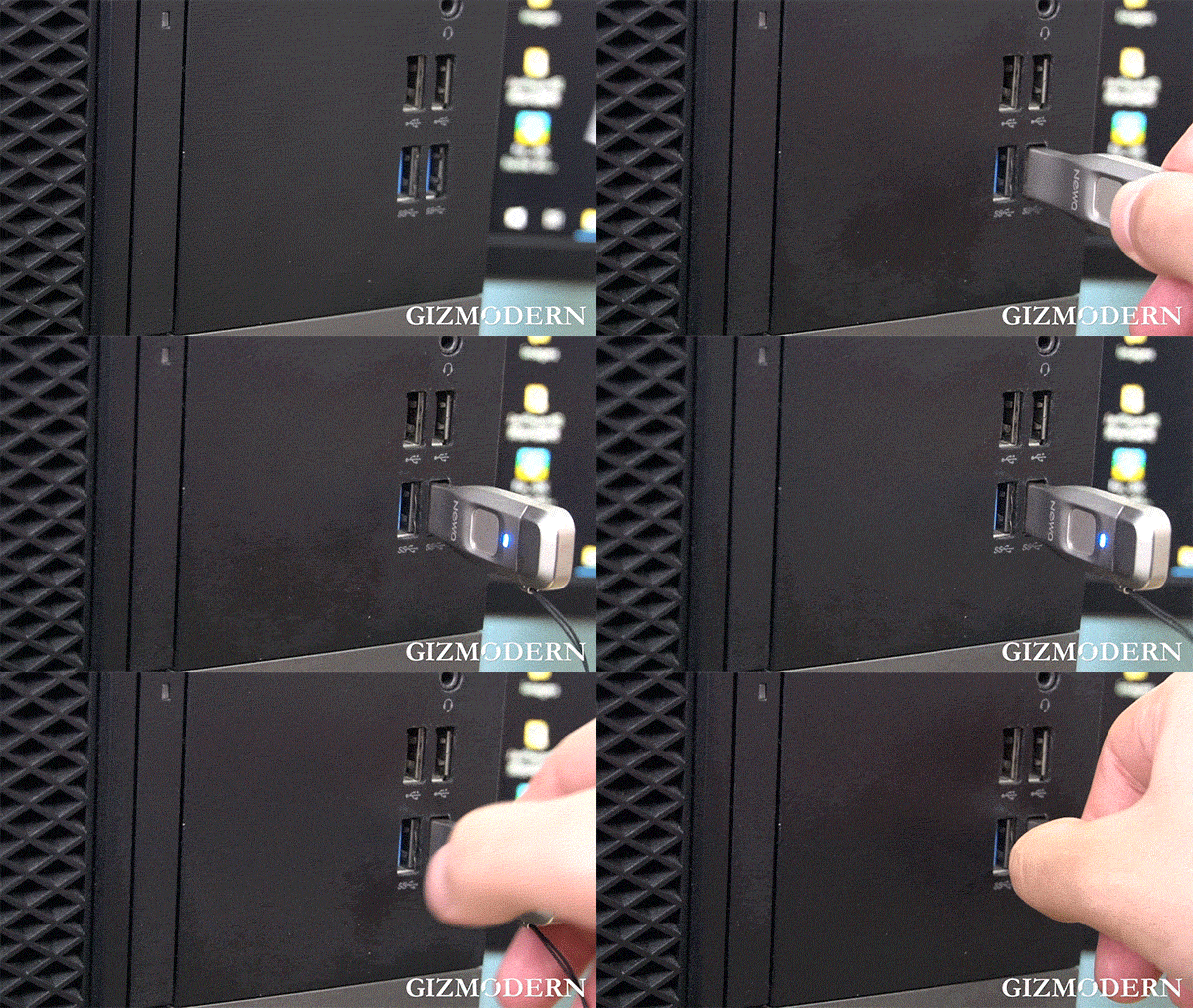
 Whenever your phone’s photo library or contacts are modified, the app will alert you with a backup notification.
 The responsive fingerprint scanner allows for quick and effortless access. With its Type-C connection, it is compatible with a wide range of devices.
 In addition to fingerprint unlocking, a password option is available. Please note that if the password is entered incorrectly 254 times in a row, the data on the USB drive will be erased and unrecoverable.
 Instructions:
Insert the USB Flash Disk into your computer, open "Computer", locate "CD drive (E :) NewQ", and double-click to access the drive. Locate "SavedUDisk", and double-click to launch the program.
To register the administrator password:
1. Double-click to initiate registration;
2. Follow the prompts to enter your password and click "Next". To add a fingerprint:
1. Enter a name for the fingerprint;
2. Press the fingerprint sensor with your finger to capture the print;
3. Click "Add Fingerprint" to save a new fingerprint. To adjust the public/private area ratio:
1. Click "Device Partition";
2. Use the slider to set the area proportions;
3. Click "YES" to finalize the partition and format the USB Flash Disk. Size details:
If you have any questions about our products or your order, please send an email to support@bowlift.com. Our customer service team typically responds within 30 minutes!
we believe in the quality of our products. That's why we offer you a 30-day money-back guarantee! So you can shop with complete confidence.
